You have surely more than once pulled out your phone, pointed the camera at a black-and-white square and in a second landed on a website or a payment screen. That unassuming pattern is a QR code — a technology that in a few years went from a curiosity to an everyday tool. In this guide we explain exactly what a QR code is, how to scan it, what to watch for and how to use it in business — including to take payments.
What is a QR code? A short definition and the “why do I need this?” answer
A QR code (short for quick response) is a two-dimensional barcode in the shape of a square, made of light and dark modules — the square successor to the traditional barcode that lets you move in a second to a payment, a website or an app.
A QR code is a digital data carrier closed in a square: just scan it with a phone to pay an invoice at once (e.g. an electricity bill), open a website or download an app — without typing anything by hand.
What is a QR code for in everyday life? Use is broader than it may seem. QR codes enable fast payments in shops and are used in mobile payments. QR scans can open websites, and the codes themselves make electronic tickets easier. They are used in interactive restaurant menus, can be used to log in without typing a password (e.g. 2FA), and support green practice by cutting paper materials. QR codes are used in advertising, business cards and press materials, but public services such as mObywatel probably did most to popularise the medium.
At Paymove we specialise in using QR codes in payments — without terminals and without the customer having to install a dedicated app. One scan separates the user from payment.
The main uses of QR codes:
- mobile and online payments (from invoices to parking meters);
- electronic tickets and fast event entry;
- marketing and identification — in ads, logistics, on business cards with contact details or in mObywatel;
- communication and data transfer — joining a Wi-Fi network, saving a contact, redirects to download a file.
How does a QR code work? Differences from a traditional barcode
A QR code is made of dark and light modules (small squares) arranged in a grid. Dark fields are ones, light fields zeros. Data is encoded in binary, and QR codes store data both horizontally and vertically — hence their two-dimensional character. Importantly, QR codes can be scanned at any angle thanks to three large squares in the corners that serve for positioning and orientation.
- Traditional barcodes (one-dimensional) hold only a simple digit string — a product identifier in a shop. A QR code can store up to 4,296 alphanumeric characters (https://ursaqr.com/blog/how-much-data-can-a-qr-code-store), including full URLs, contact details and Wi-Fi passwords, and even GPS coordinates and calendar events. It can also hold GTIN identifiers for products, and QR codes can contain numeric, alphanumeric and symbol characters.
- QR codes store even dozens of times more information than a standard barcode — so you can store varied information, from letters and digits through payment data to login codewords.
- QR codes provide error correction at four levels (from 7% to 30%), which means even a partly damaged or dirty code can still be read correctly.
- QR codes can be used to add contacts quickly, and in logistics and warehouses they are used to identify goods.
- The QR code was invented in Japan over 20 years ago — exactly in 1994 by Masahiro Hara at Denso Wave (https://en.wikipedia.org/wiki/QR_code). The technology was not patented, so QR codes are free and widely used worldwide.
- QR code size depends on the amount of data: the more content encoded (e..g. a long URL with campaign parameters), the denser the pattern and the larger the physical size needed for comfortable scanning. The specification provides 40 versions — from 21×21 to 177×177 modules.
How to scan a QR code with a phone? Step-by-step instructions
Most modern smartphones have QR readers built into the camera — you need no extra software. Scanning a QR code usually takes a few seconds. QR codes can point to websites or apps, allow a quick join to Wi-Fi, and can also be used to make a transfer.
How to scan a QR code — step by step:
- Open the camera app on your phone (you do not need to install anything extra).
- Point the lens at the QR code from about 15–30 cm — make sure the whole code fits in the frame.
- Wait for the notification — a link or a message describing the code content will appear on screen. Tap it to go on.
- Done — scanning a QR code takes literally a moment. QR codes can be scanned with the standard camera app.
If the camera app shows no prompt, you can use a scanner in the browser (e.g. Google Chrome — scanner icon in the search bar, Samsung Internet — built-in barcode scanner). Useful when the camera does not handle QR by default.
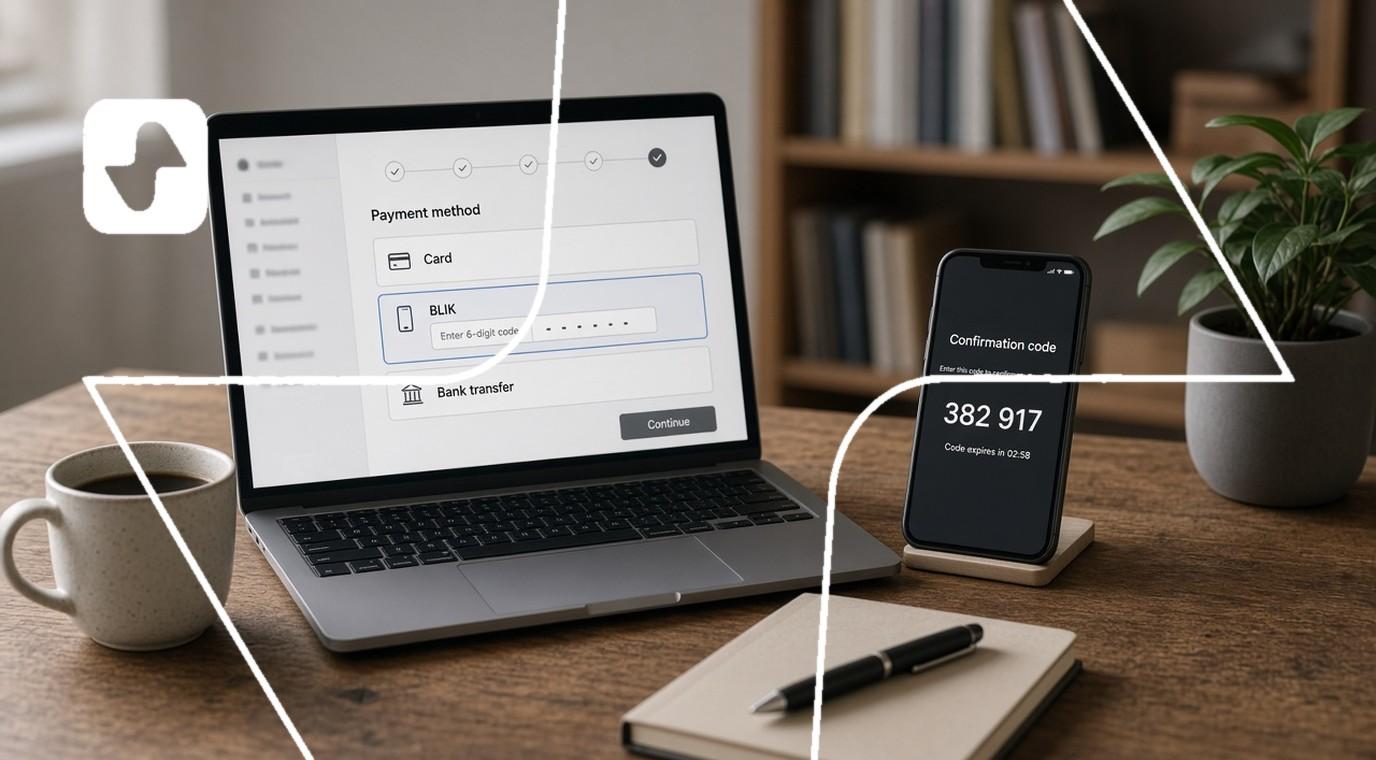
In Paymove solutions (https://www.paymove.io/en/) scanning a QR code leads directly to a secure payment page. The user installs nothing — just confirm payment by card (Google Pay/Apple Pay) or BLIK.
What to do when QR scanning does not work? The most common problems
QR scanning problems usually come from a few simple causes. The QR code must be well lit and readable to scan. Here is a checklist:
- Wipe the camera lens — even light dirt significantly worsens the read.
- Provide good lighting — in a dark room use the phone torch.
- Hold the phone about 20–30 cm away — too close or too far makes scanning harder.
- Make sure the whole code fits in the frame and is set straight — even though QR codes work at angles, an extreme skew will hinder the read.
Typical problems on the print side:
- Code size too small (below about 2.5×2.5 cm) — scanners may struggle.
- Low contrast — e.g. light grey on white. The code should be clear and sharp.
- Physical damage, creases on a sticker, dirt on the print.
If the camera does not recognise the code, use free apps such as a QR code reader or barcode scanner from Google Play/App Store. A tablet works too.
Safety tip: when a QR code looks like a sticker stuck on in a hurry (e.g. in a public space, on a parking meter), better skip the scan and check the operator’s site directly online.
QR code size and scanning comfort (print, posters, invoices)
QR code size has a direct effect on user comfort: the smaller the physical size, the better the camera and the closer the distance the read needs. The larger the code — the farther away you can scan it from.
- Minimum QR code size is about 2.5×2.5 cm for simple content (short URL, identifier). That format works on an invoice, a leaflet or a business-card format.
- The more data encoded (long link with parameters, payment data, text), the denser the pattern and the larger the code size needed for a sure read.
- On a bill or invoice — a few centimetres is enough. A sticker with a code on a parking meter or EV charger should be a little larger so it is visible at arm’s length. A large QR code on a poster at an event entrance, even 15–20 cm, to allow scanning from several metres.
At Paymove, when rolling out modules such as Mobility (https://www.paymove.io/en/mobility), Pay&Go (https://www.paymove.io/en/pay-and-go) or DocPay (https://www.paymove.io/en/docpay), we advise clients on the optimal size for the scenario. Place the QR code where the user naturally finds it — and match code size to context.
QR code uses in payments and business (Paymove examples)
QR codes have stopped being an add-on to a bus-stop ad — they have become a foundation of mobile payments, ticket sales and Smart City solutions. Here is how that looks in practice:
- Payments in urban space (Mobility): parking without a parking meter, paying EV chargers, transit tickets — the user scans the code, chooses the service and pays online. No terminal, no cash, no queue.
- Fast event entry (Pay&Go): a ticket with a QR code instead of standing at the desk. Scan at the entrance, automatic settlement in the background — works in museums, at concerts, in event marketing.
- QR codes on invoices and documents (DocPay): the client gets an invoice with a QR code, scans and lands on the payment page — without typing the account number or amount by hand. That saves time and the stress of waiting for payment.
- A QR stand on the counter: the merchant enters the amount for the product/service done, and the customer scans the code on the stand and pays mobile. No need to invest in extra hardware, so the solution fits barbers, masseurs and beauticians as well as food trucks, couriers or fair stalls.
All these scenarios rest on a simple mechanism: use the QR code → open the payment page → confirm the transaction.
Security and good practices for using QR codes
QR codes themselves are only a carrier of a link or data, but if you want to use them it is worth staying careful. Cybercriminals use QR codes for fraud, and quishing is QR-code fraud that in Q1 2026 grew 146% according to Microsoft (https://www.techradar.com/pro/security/qr-code-phishing-surges-146-percent-as-microsoft-detects-and-analyzes-8-3-billion-phishing-threats-in-q1-2026-attackers-are-changing-tactics-to-bypass-security). QR codes can lead to fake websites, and not every QR code leads to safe content. Research shows (https://publikationen.bibliothek.kit.edu/1000169461) that as many as 67% of users scan a code without verifying the destination address.
Security checklist:
- Before scanning check the QR code source — scan only codes from trusted sources (official invoices, institution posters, city signage).
- After scanning check the domain in the browser bar — whether it looks credible and has no typos.
- Avoid entering passwords and card details on pages you doubt.
- If a QR code has clearly been stuck onto existing signage (e.g. on a parking meter), better skip it or check the operator’s official site.
- An updated system increases QR scanning safety — update your phone OS and browser, because newer versions filter suspicious pages better.
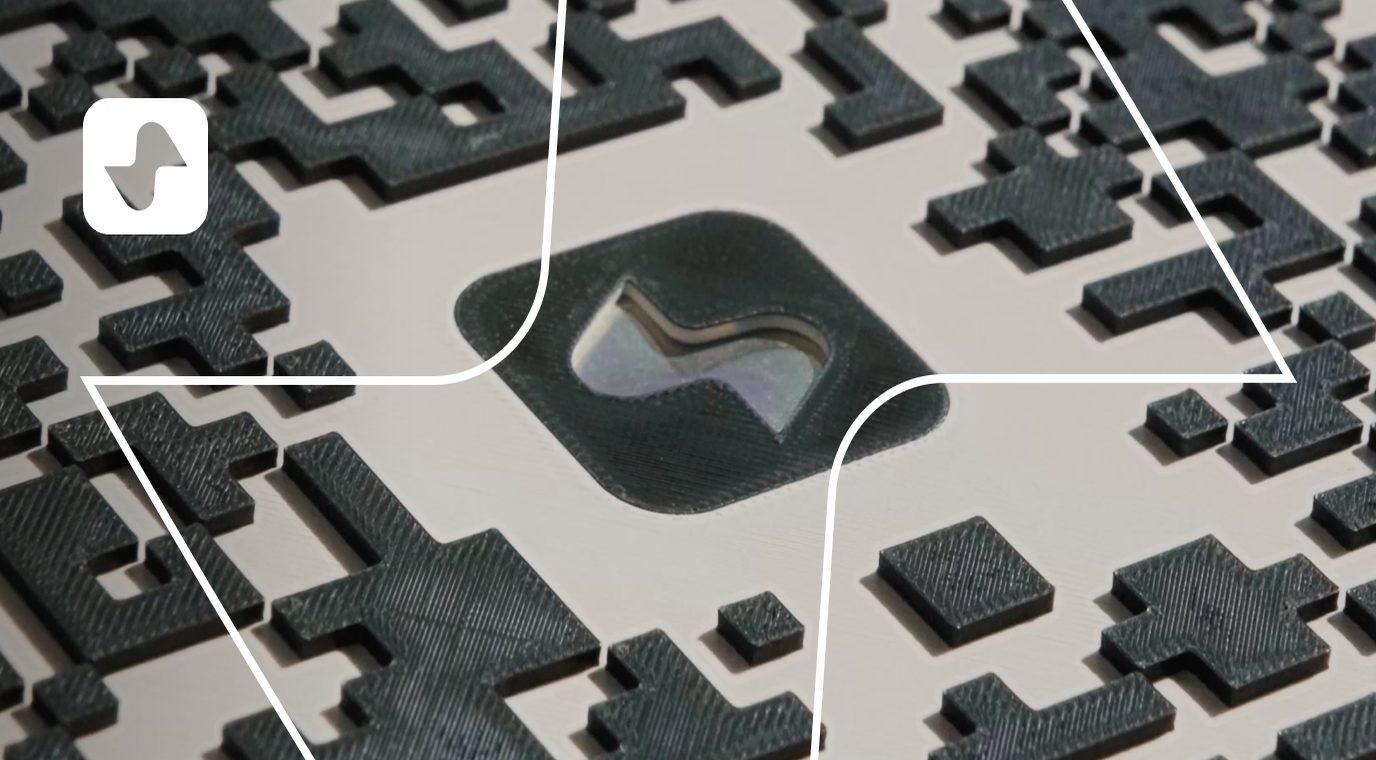
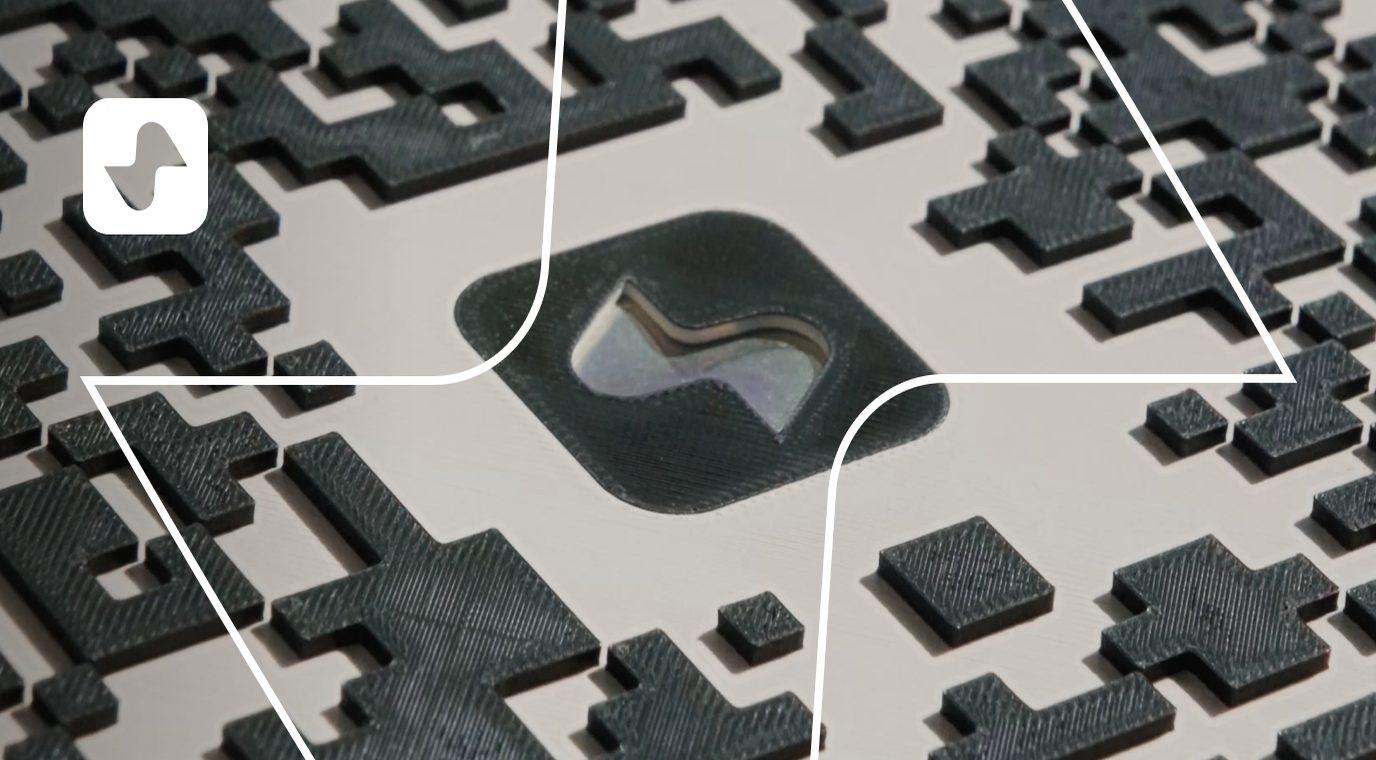
For Paymove payments pages are encrypted (HTTPS), aligned with KNF and PCI DSS requirements, and the user clearly sees whom they pay and for what — payee name, amount, transaction description. In addition our signs are made with 3D print technology, because forging such a code is already a serious challenge.